
A team administrator creates your ONE RACEHUB account for you. Once your account has been created, you receive a welcome email with your login details.
ⓘ If you are a team administrator and need to create a user account, go to Set Up ONE RACEHUB for Your Team.
Before you start
Make sure you have:
- Access to the email address registered for your ONE RACEHUB account
- Your server address, username, and password from the welcome email
ONE RACEHUB is available at: https://oneracehub.paceteq.net
ⓘ ONE RACEHUB runs in a web browser and does not require a separate installation.
Check your welcome email
After your administrator creates your account, you receive an email with your ONE RACEHUB login details.
The email includes:
- Server – your team’s ONE RACEHUB environment, usually in the format teamname.oneracehub.net
- Username
- Password – your generated password for the first login
Keep this email until you have signed in and changed your password.
If you do not receive the email, contact your team administrator. They can check whether an email address has been added to your user account.
Sign in to ONE RACEHUB
- Open ONE RACEHUB
- Enter your server address
- Enter your credentials and log in
After you sign in, the Home page opens:
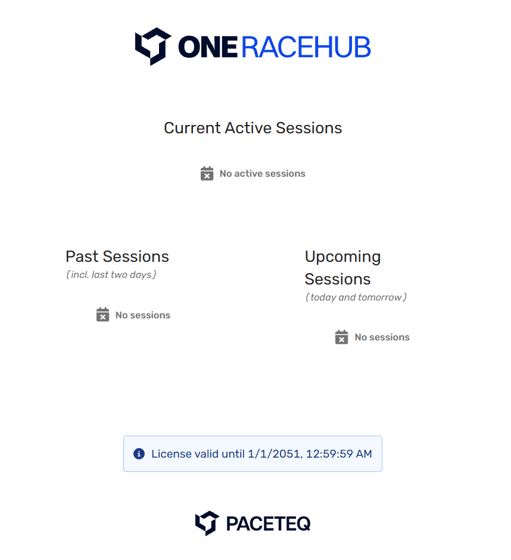
The Home page gives you an overview of past, active, and upcoming sessions. From there, you can select a session to open it directly in the Run Sheet.
Change your password
Change the generated password from your welcome email after your first login.
- Select your username at the bottom of the sidebar
- Select Profile
.jpeg?width=670&height=231&name=How%20to%20Change%20Your%20Password%20in%20ONE%20RACEHUB%20-%20Step%200%20(3).jpeg)
- In the Account section, select Change Password
What’s next
-
Get familiar with the Home page: Navigate ONE RACEHUB.
-
If you are a team administrator setting up the server for the first time, continue with Set Up ONE RACEHUB for Your Team.